Chat
A fast, context-aware assistant for everyday questions, projects, and school work. Threads, local history, and clean streaming replies with a one-tap Stop control.
AI • Vision • Health • Beyond
DGxOne is BYOK-only. Choose a provider; the app talks directly to them with your key.
—
Models map to what your provider supports: chat, vision, reasoning, and optional web tools.
BYOK-only: calls go straight from your device to OpenAI, xAI, or Gemini (no DGxOne proxy).
Optional website identity is for site features. The iOS app is designed to work without any account.
A local-first assistant with chat, vision, health tools, and DGx Vault — powered by your own API keys to OpenAI, xAI (Grok), or Gemini.
No shared DGxOne cloud, no tracking, and no server-side storage of your keys. Your iPhone talks directly to your provider. That’s it.
⚠️ BYOK required for AI features. To generate AI responses or run Vision analysis, you must add at least one valid API key (OpenAI, xAI Grok, or Gemini). DGxOne stores your key locally and does not store it on DGxOne servers.
For installation help, setup questions, or bug reports, email dkxdev.48@gmail.com.

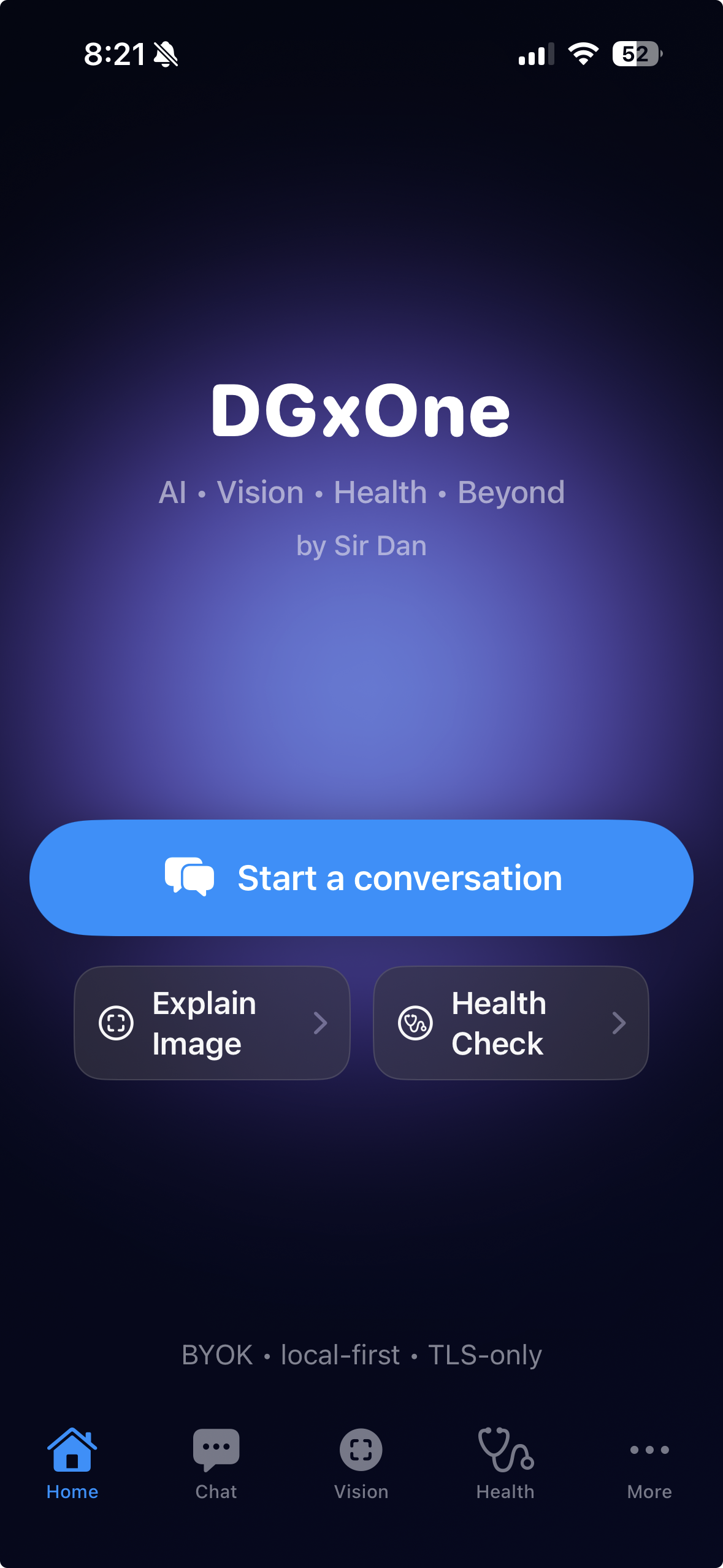
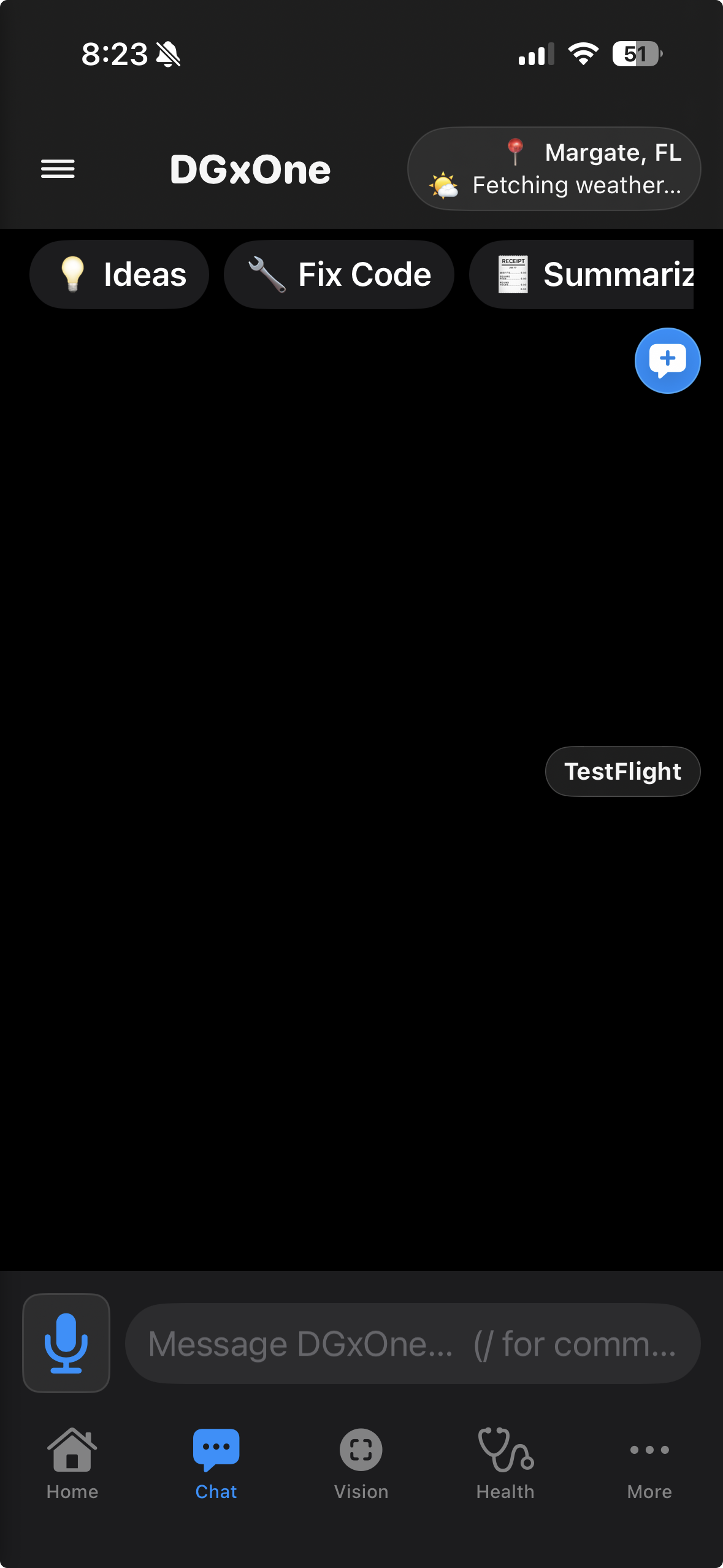
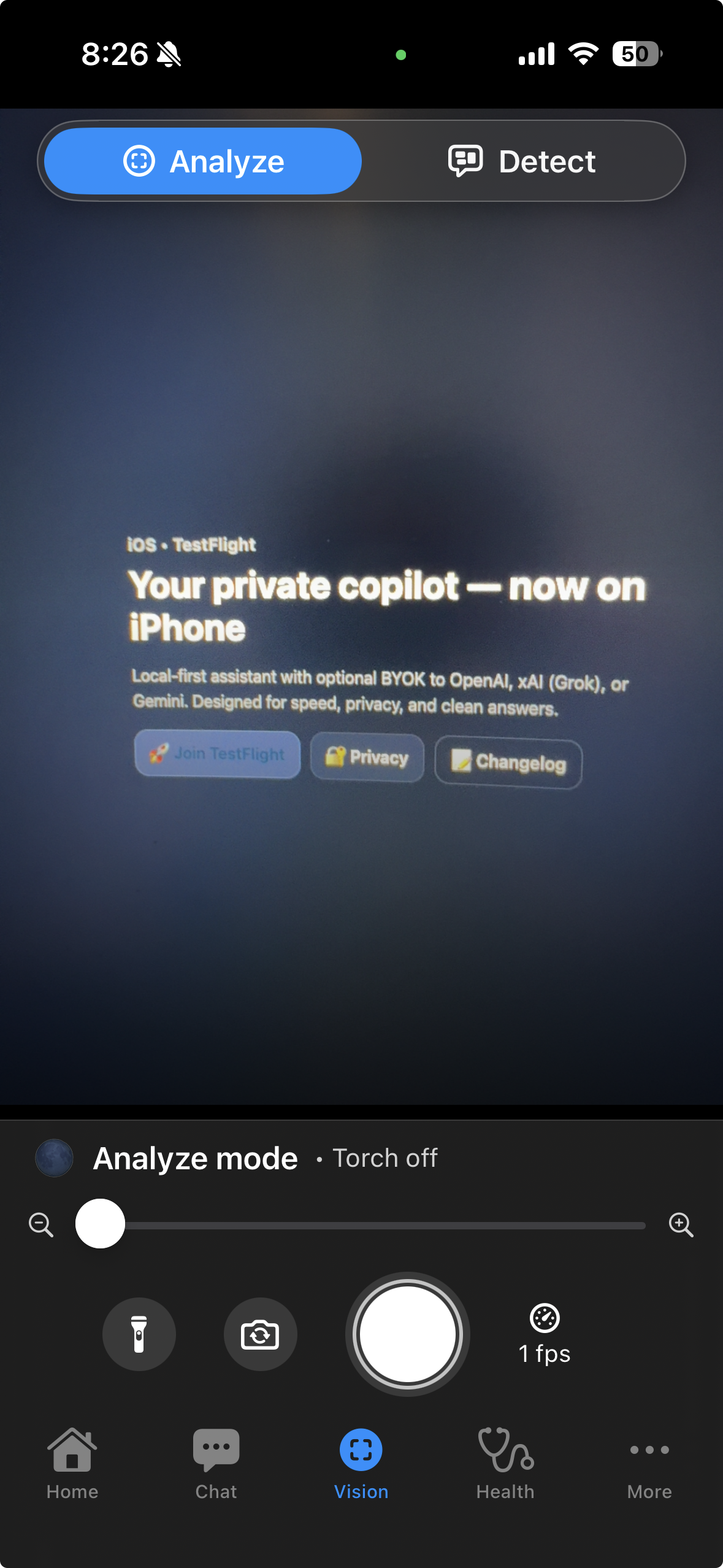
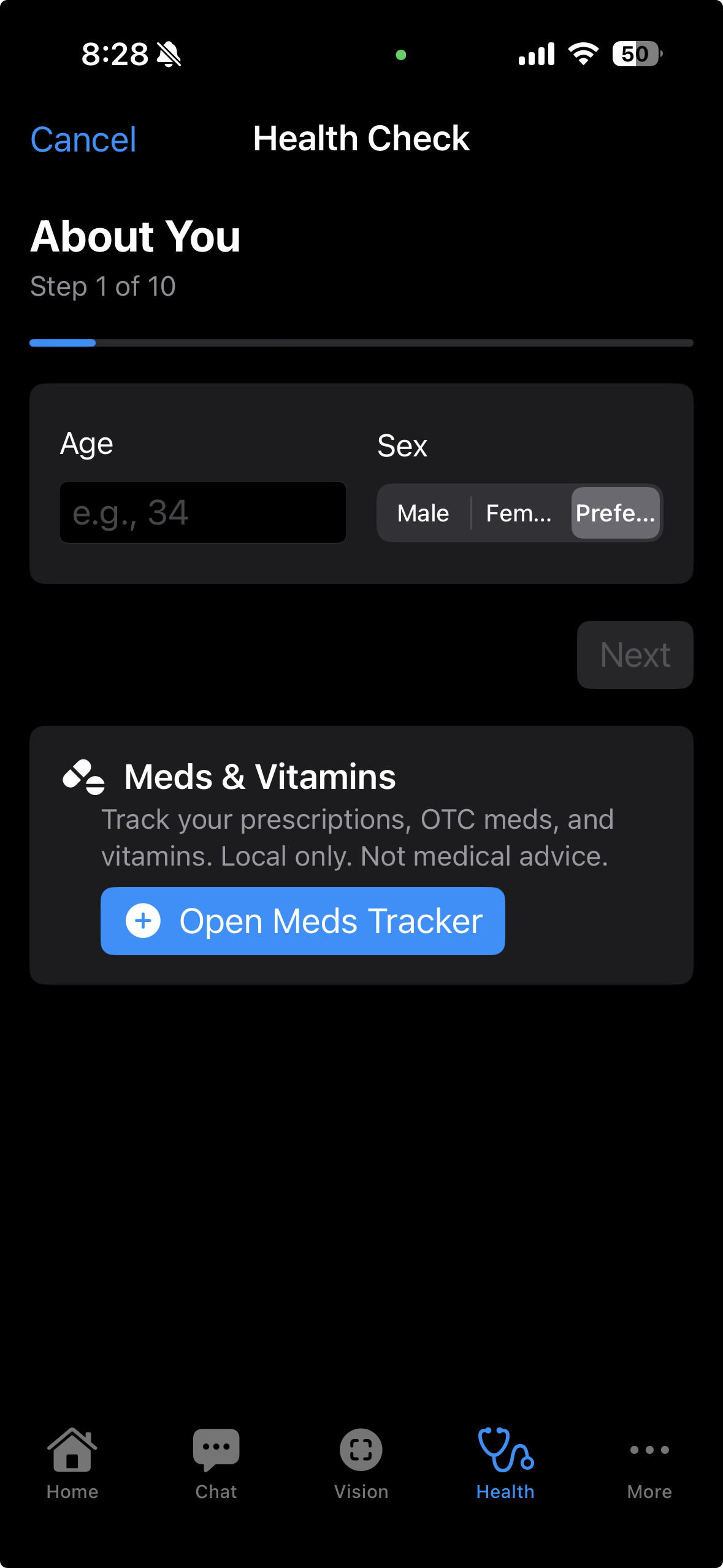
A fast, context-aware assistant for everyday questions, projects, and school work. Threads, local history, and clean streaming replies with a one-tap Stop control.
Analyze images with your chosen model using Analyze and Detect modes. Import from Photos or capture directly from the camera.
Store PDFs, scans, notes, and OCR text locally on your device. Send any item into Chat when you want AI to help — without a cloud archive in the middle.
A single scanner hub for capturing documents and code-style content, then saving into DGx Vault or sending into Chat when you choose.
A guided Health Check and Meds & Vitamins tracking. Local-first and optional — DGxOne does not build a medical profile in the cloud.
Optional context (time, city, weather) and provider web tools when a question clearly needs the internet. Always BYOK-only: your device connects straight to your provider.
Better stability, cleaner answers, and smarter handling for long replies — including fallback behavior if streaming stalls.
Analyze images and documents, then move straight into Chat or DGx Vault in one tap — keeping everything grounded in your local data.
Refined navigation, clearer legal pages, and stronger privacy messaging — built for App Store review and public release.
DGxOne is BYOK-only. Pick OpenAI, xAI (Grok), or Gemini and create an API key from their official site. You control usage and cost.
Open DGxOne → Settings → BYOK. Paste your key. Keys are stored locally using secure storage and never sent to a DGxOne server.
Once a valid key is set, AI features unlock: chat with streaming, run Vision analysis, and optionally use Health tools and DGx Vault locally.
DGxOne is BYOK only. Use these official pages to create and manage your keys:
Your key stays on your device. DGxOne never sees, stores, or transmits your key to its own servers.
If you have questions, find a bug, or need help with the DGxOne iOS app, please contact:
Include your iPhone model, iOS version, and a short description of what happened (screenshots welcome). DGxOne does not collect diagnostics automatically.
DGxOne is designed so your chats, settings, vault items, and health entries stay on your device by default.
The app only connects to the provider you select, and only using your own API key.
No DGxOne servers receive your conversations or keys.
DGxOne does not proxy or store your requests.
Your API key allows the app to communicate directly with your chosen provider. This ensures:
DGxOne never collects, shares, or stores your key on its own backend.
DGxOne does not sync or upload your conversations, settings, DGx Vault contents, or keys by default.
AI features send prompts/images only to the provider you selected, only when you initiate a request.
Any future encrypted sync will be opt-in.
You can review local content offline (threads, vault items, health logs).
AI features require an internet connection because the models run on your provider’s servers.
No. Your key is saved locally on your device using Apple’s secure storage.
DGxOne has no server that stores your key, and it is never transmitted to DGxOne infrastructure.
Your local data stays on your device.
For AI requests, the provider you choose processes the prompt/images you send.
DGxOne does not run analytics, tracking, or data resale.
If something doesn’t work as expected or you have ideas for future versions, send a quick note to dkxdev.48@gmail.com.